
Free trading journal

Turn trades into useful feedback

Connect a supported account to review imported trades, P&L, and account-specific statistics. Keep notes about your decisions so the result is not the only thing you learn from a trade.
Practical trading guidesChecklists you can useTrading involves risk
Robotic Execution free trading process guide
Review the decisionRecord whether you followed your plan as well as the money gained or lost.
BeforeRecord the plan
DuringCapture execution
AfterChoose one lesson

The framework

Plan your decisions before the session.

Use these prompts to write your trading plan, review whether you followed it, and make adjustments after the session.

01

Before

Record the bias, level, plan, and risk before a trade.

02

During

Capture the execution details without rewriting the plan.

03

After

Separate rule-following from the financial result.

Put it into practice

Try the checklist during your next session.

Write a short plan before the session, then record what you learned afterward.

01

Connect, sync, and check your history

Sign in to your free Elev8+ account, connect a supported reporting account, and run a sync.

  • Filter the journal by account or review all connected accounts together.
  • Check the imported dates and trades before relying on the statistics. Available history depends on the broker connection.
  • Open Prop Guard for the same account to review its confirmed program and labeled risk estimates. A reporting connection does not enable AutoTrader.
02

Review the decision as well as the result

Record the plan before the trade and the lesson afterwards.

  • Do not use the result to rewrite the original decision.
  • Review a small group of trades for repeated process issues.
  • Prefer a workbook? The free Excel-compatible template includes space for 100 trades, a summary, and dropdown menus.

Continue learning

Keep learning with these free resources.

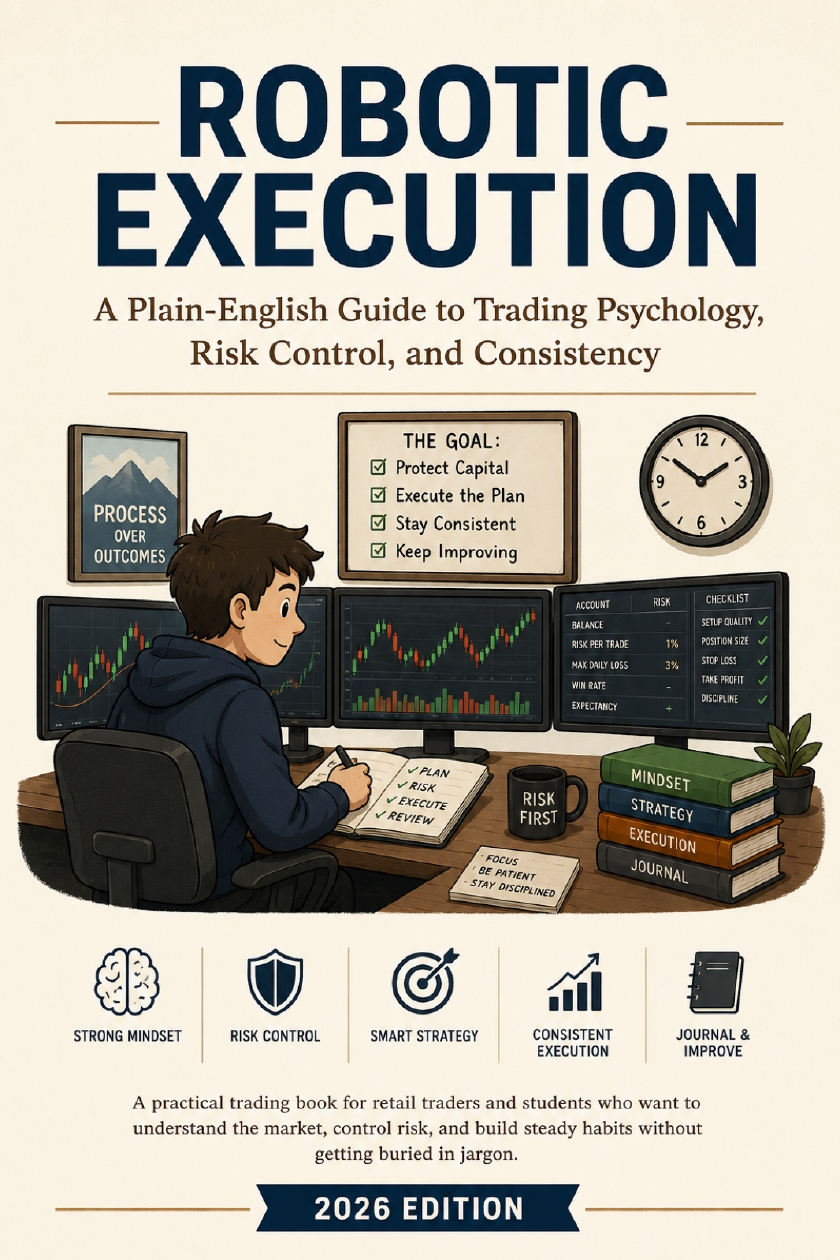
Robotic Execution ebook cover
Free ebook

Robotic Execution

A guide to trading psychology, position sizing, planned exits, and reviewing your decisions.

Get the free ebook →
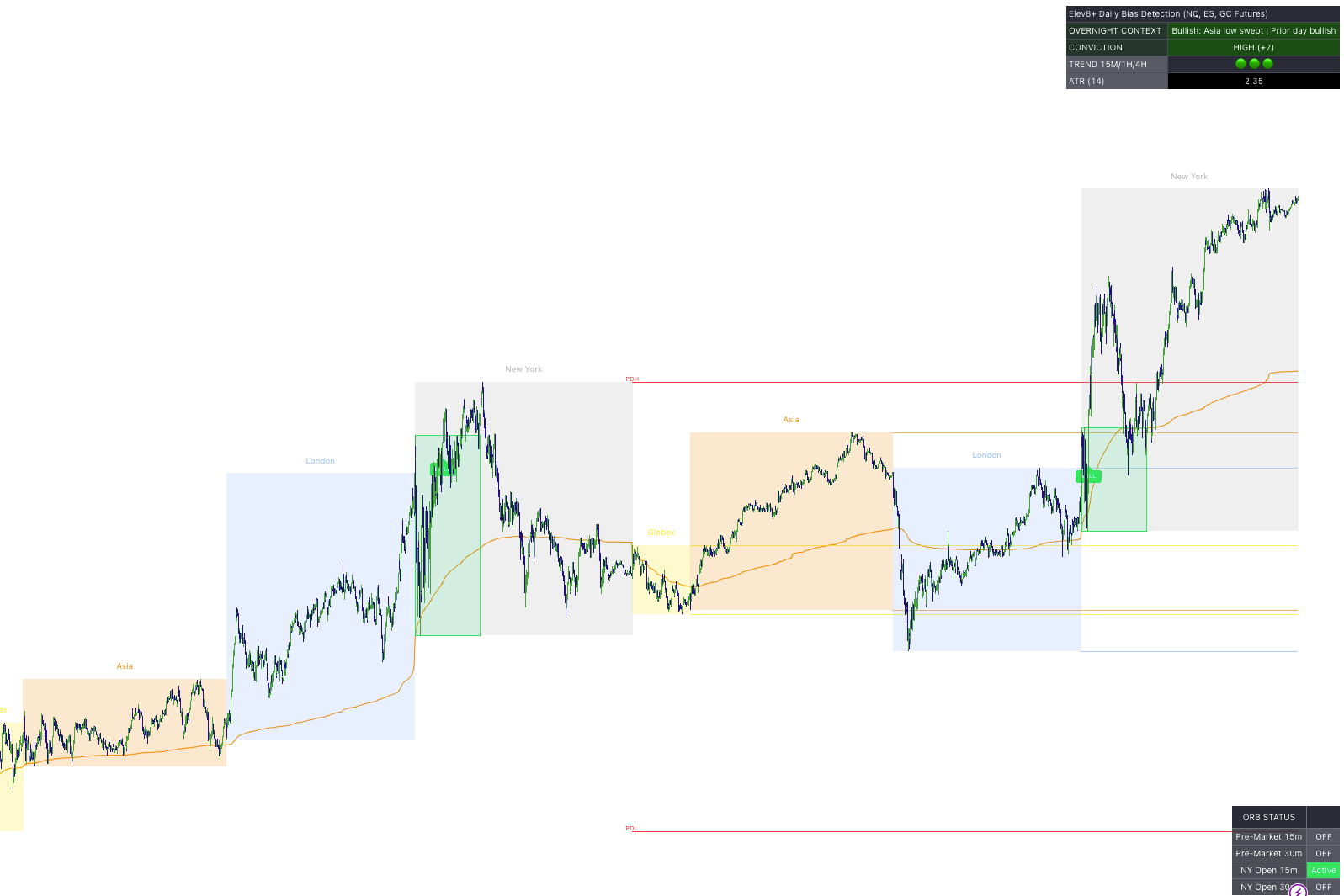
Elev8+ market structure chart
Chart framework

Explore Elev8+ indicators

See tools for market direction, key price levels, and entry confirmation on a TradingView chart.

Watch the walkthrough →
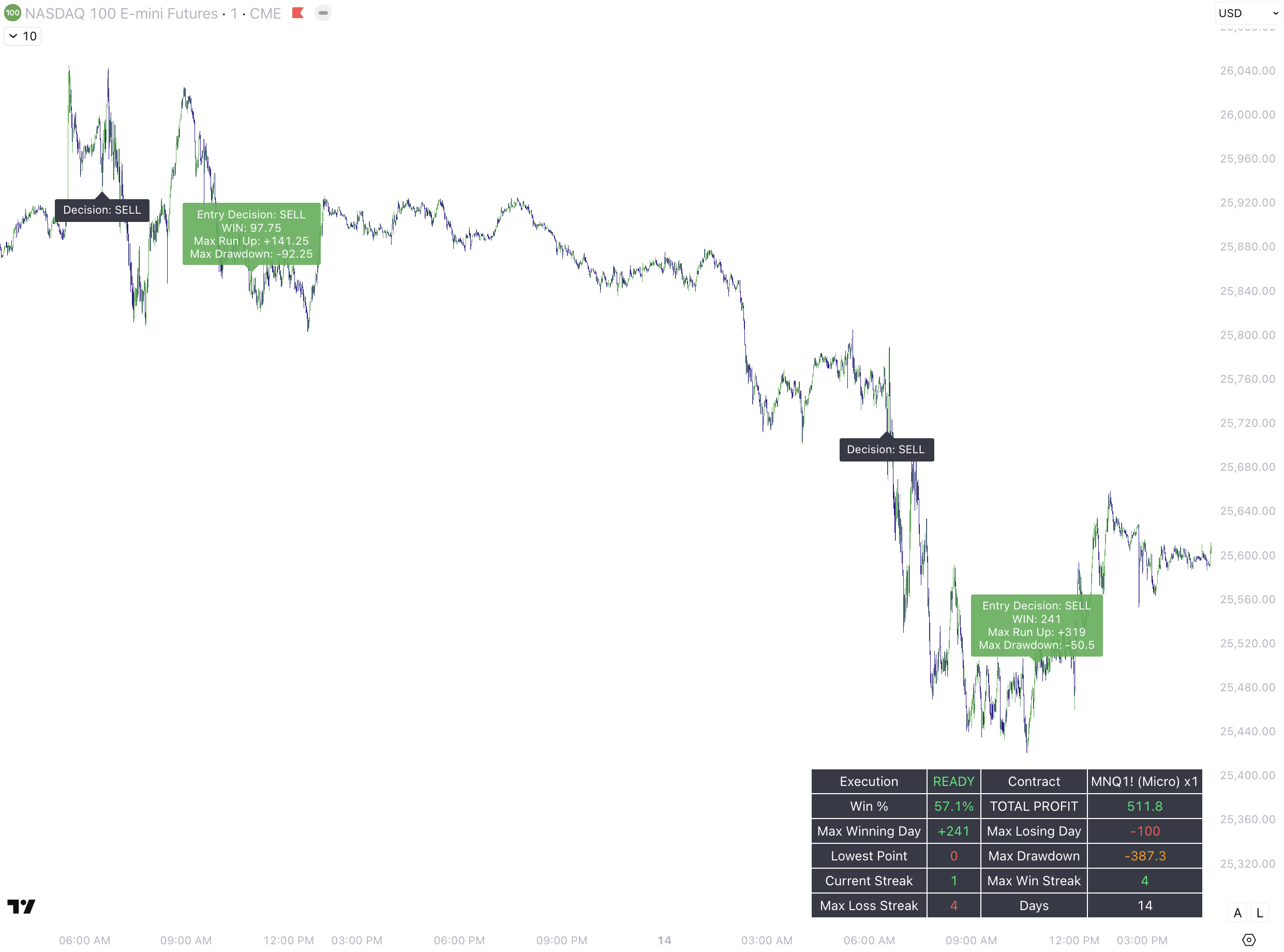
AutoTrader chart example
Automation

Explore AutoTrader

Review the strategies, account requirements, setup steps, and risk controls before getting started.

Explore AutoTrader →