What You Will Learn
People searching for an autotrader often need a decision first: do you want better chart context, or software that can place trades in a connected futures account? Elev8+ Indicators and AutoTrader answer different jobs. Mixing them into one expectation creates confusion about access, setup, and what success looks like.
- Indicators analyze charts; AutoTrader can place strategy orders in a connected account.
- Indicator alerts are not AutoTrader entries.
- Pick the product that matches your next job, then confirm current access terms on that product page.
How to use this in your workflow
-
Start with the job you want done
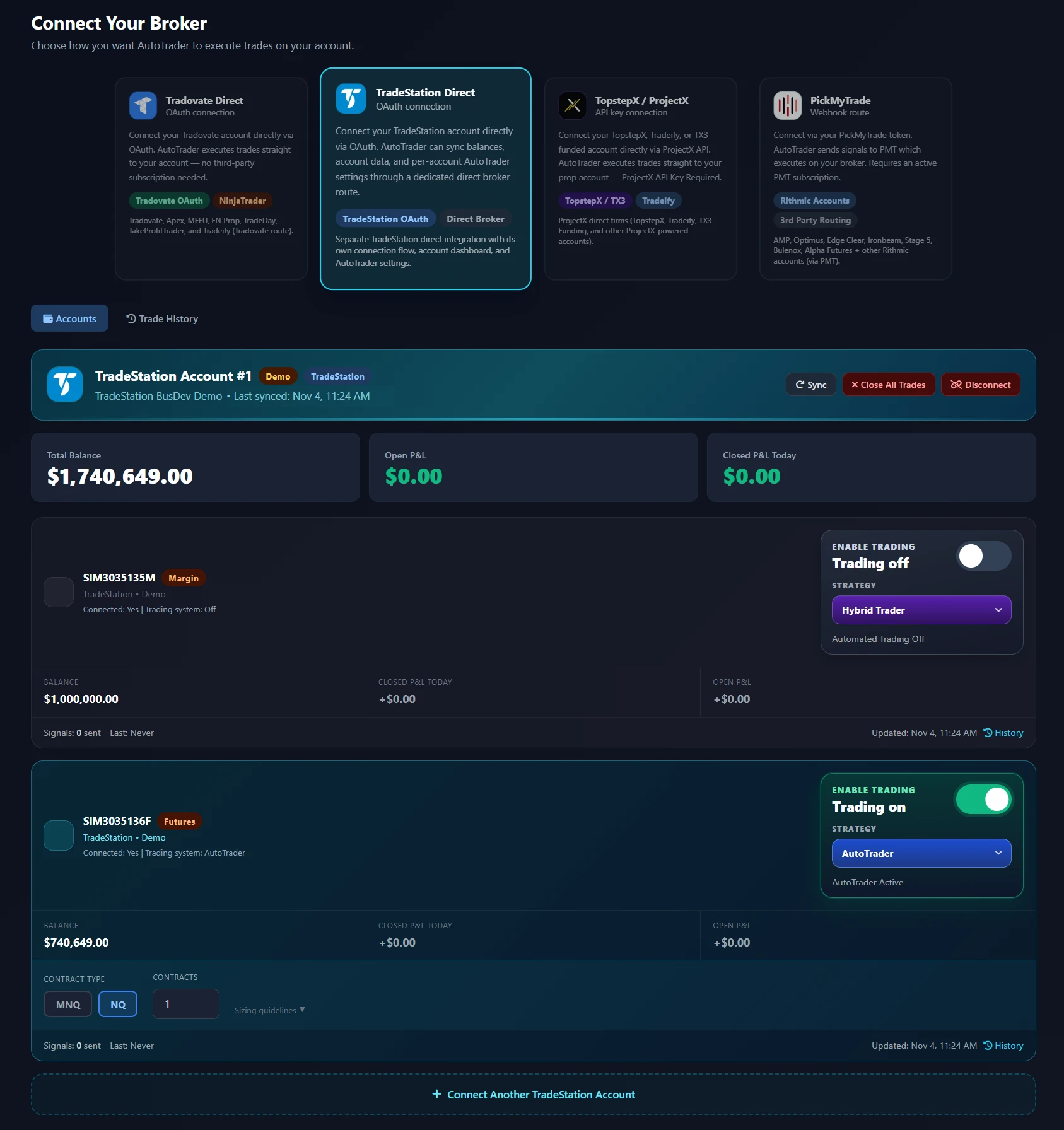
Indicators help you study levels, sweeps, extension, and confirmation on a TradingView chart. AutoTrader evaluates its own strategy rules and can submit orders through a supported broker connection. If your goal is reading the market, start with indicators. If your goal is automated order placement under published strategy rules, review AutoTrader.
-
Separate analysis from execution
A chart marker is not a broker order. AutoTrader does not turn every Elev8+ indicator alert into an entry, and indicator access does not connect a trading account. Keep preparation, discretionary entries, and automated strategies as distinct workflows so you can judge each one fairly.
-
Check access and setup requirements
Indicator plans focus on chart tools and education. AutoTrader membership covers the AutoTrader and Hybrid strategies, account connection, size controls, and monitoring. Confirm the current plans on each product page before assuming a free guide, demo, or ebook includes software access.
-
Choose one next step
Watch the indicator demo if you want to understand the overlays. Open AutoTrader if you want strategy details, supported connections, and pricing. Use the comparison below only to pick a starting path; you can evaluate the other product later without treating either as a guarantee of profitable trades.
Examples and limits
A trader who wants chart context
You already place your own NQ or MNQ orders and want clearer location and confirmation on TradingView. The indicator suite and demo are the matching path. Adding AutoTrader is optional and creates a separate automated workflow.
A trader who wants automated entries
You want a defined strategy to evaluate setups and place orders in a connected account while your computer can be off. Review AutoTrader and Hybrid, including risk disclosures and monitoring expectations. Indicators can still help your discretionary review, but they are not required for AutoTrader order routing.
Common Execution Mistakes To Avoid
- Expecting chart indicators to submit broker orders.
- Judging AutoTrader by discretionary chart markers that are not part of its strategy rules.
Take the next step with Elev8+
If automated futures execution is the job you need, review AutoTrader strategy details, supported connections, and current plans. Use the indicator demo when chart analysis is the better first step.
Further Reading
About this guide
Published by Elev8+ Trading to explain trading concepts and our products. Elev8 sells the tools linked here; these guides are not independent product rankings or personalized financial advice. Chart examples illustrate a process, not audited trading results.
Dates identify substantive content updates, not a claim of independent expert review. Check current exchange, broker, and prop-firm rules before relying on a calculation. Ask a question or report a correction.