Who This Is For
- Traders who want one practical daily workflow for context, bias, and setup selection.
- Anyone reducing tool overload and standardizing morning prep.
- Traders who want a preparation checklist rather than a prediction.
Elev8+ product guide
Use Market Health to organize NQ session preparation. Learn how market context and key levels fit into a plan without treating the dashboard as a trade signal.
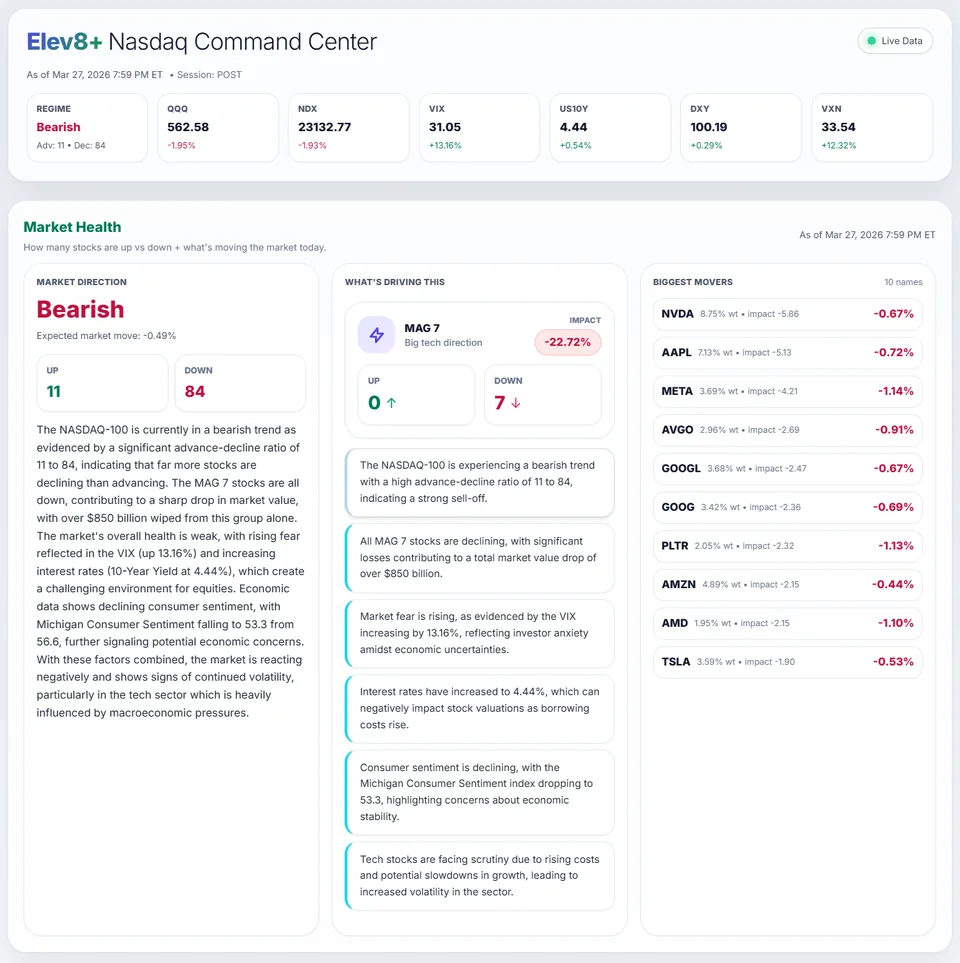
Elev8+ Market Health dashboard overview. Illustrative product view, not a performance claim.
What You Will Learn
A dashboard becomes useful when you know which decision each panel supports. Looking at several readings and deciding that the market feels bullish is not yet a trade plan. Start with the session, nearby levels, and the conditions that would change your view. Market Health is part of the free Market Command Center; it is separate from paid chart indicators and automated execution.
Work through these checks in order. The examples explain a process; they are not instructions to place a trade.
Before interpreting a reading, check the market session and any displayed timestamp or refresh state. A screenshot from an earlier session is not current evidence. If data is missing or stale, do not fill the gap with an assumption about market direction.
Review the displayed market context and relevant session levels. Decide which prices you want to observe rather than immediately turning the summary into a buy or sell decision. A level can be useful because price reacts there, not because reaching it guarantees a reversal.
Describe what would support a continuation and what would make you reconsider. For example, acceptance above a prior high and a failed break back below it are different situations. Your chart, entry rules, and risk limits still determine whether either situation becomes a trade.
Record the context you saw and the scenario you chose. After the session, compare the actual price action with that expectation. Keep market analysis separate from execution quality: being broadly right about direction does not mean every entry was well planned.
If the market overview looks supportive but price rejects a level in your plan, do not assume one observation cancels the other. Wait for the entry conditions you defined, reduce the number of assumptions, or skip the setup. The dashboard does not resolve every disagreement for you.
Creating a free account gives you access to the available Market Command tools. It does not start an AutoTrader subscription or install TradingView indicators. Explore those products separately if you want chart overlays or automated order execution.
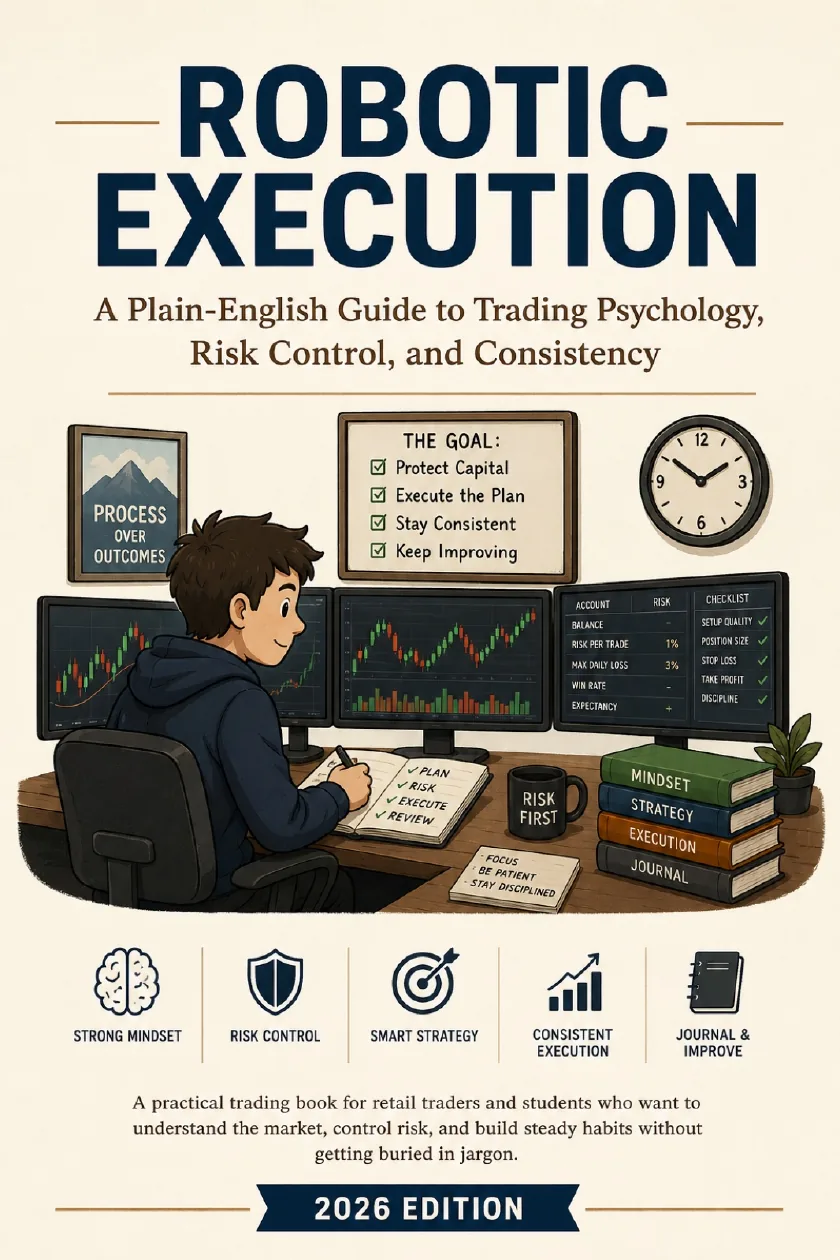
See the dashboard preview and create a free account from the Market Health page. Keep the ebook as an optional companion for planning and reviewing your decisions.
Published by Elev8+ Trading to explain trading concepts and our products. Elev8 sells the tools linked here; these guides are not independent product rankings or personalized financial advice. Chart examples illustrate a process, not audited trading results.
Dates identify substantive content updates, not a claim of independent expert review. Check current exchange, broker, and prop-firm rules before relying on a calculation. Ask a question or report a correction.
Next Step
See the dashboard preview and create a free account from the Market Health page. Keep the ebook as an optional companion for planning and reviewing your decisions.
Use the dashboard for preparation, not an automatic entry instruction.
Check freshness and session context before interpreting a reading.