How to Read a Nasdaq Heatmap for NQ Trading →
Use a Nasdaq heatmap to see which stocks are moving and whether the move is broad or concentrated. Then compare that context with NQ—not with an automatic buy or sell rule.
Market Health Toolkit
Make sense of market dashboards, heatmaps, and scanners. Learn what each tool tells you and how to bring the information into your daily NQ preparation.
Guides In Hub
12
Step-by-step guides to help you prepare, practice, and review.
Best Use
Market conditions and session planning
Start with the topic you need, then follow the related guides.
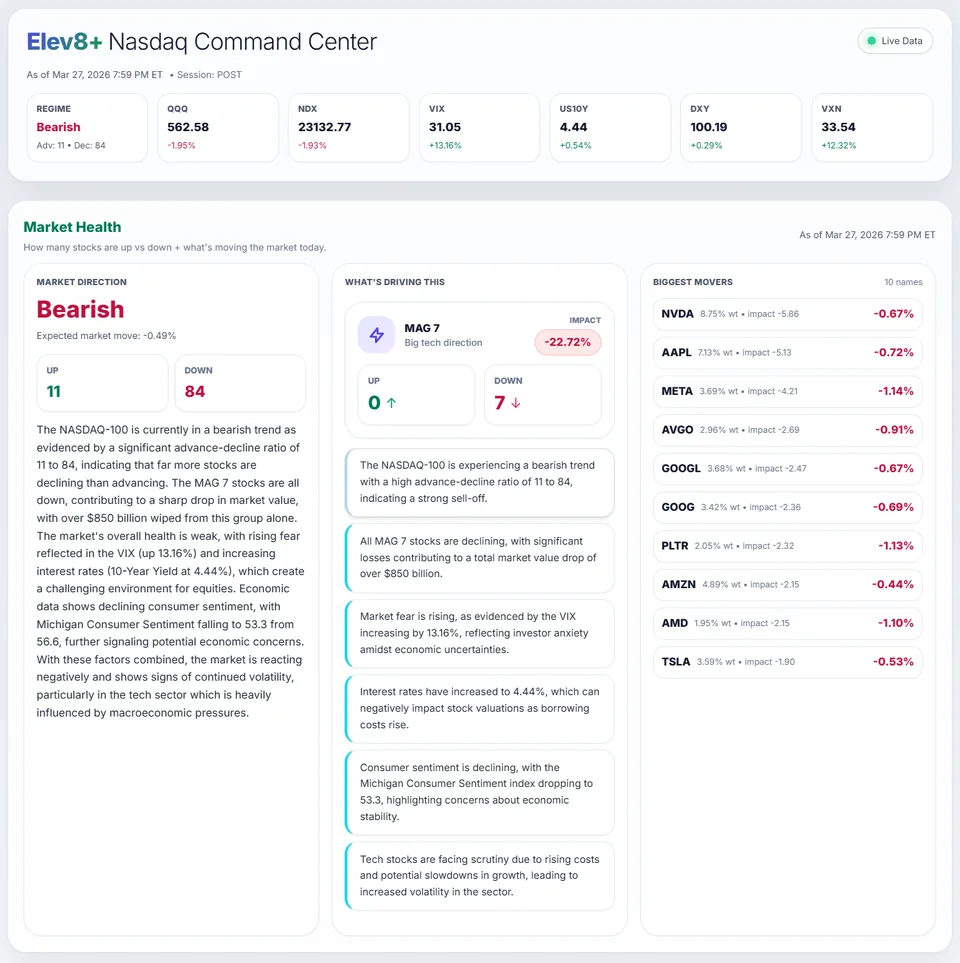
Market Health command center showing NQ context, levels, and bias.
Start Here
Review Market Health, then use these guides to assess conditions and prepare your session plan.
Free resource · No purchase required
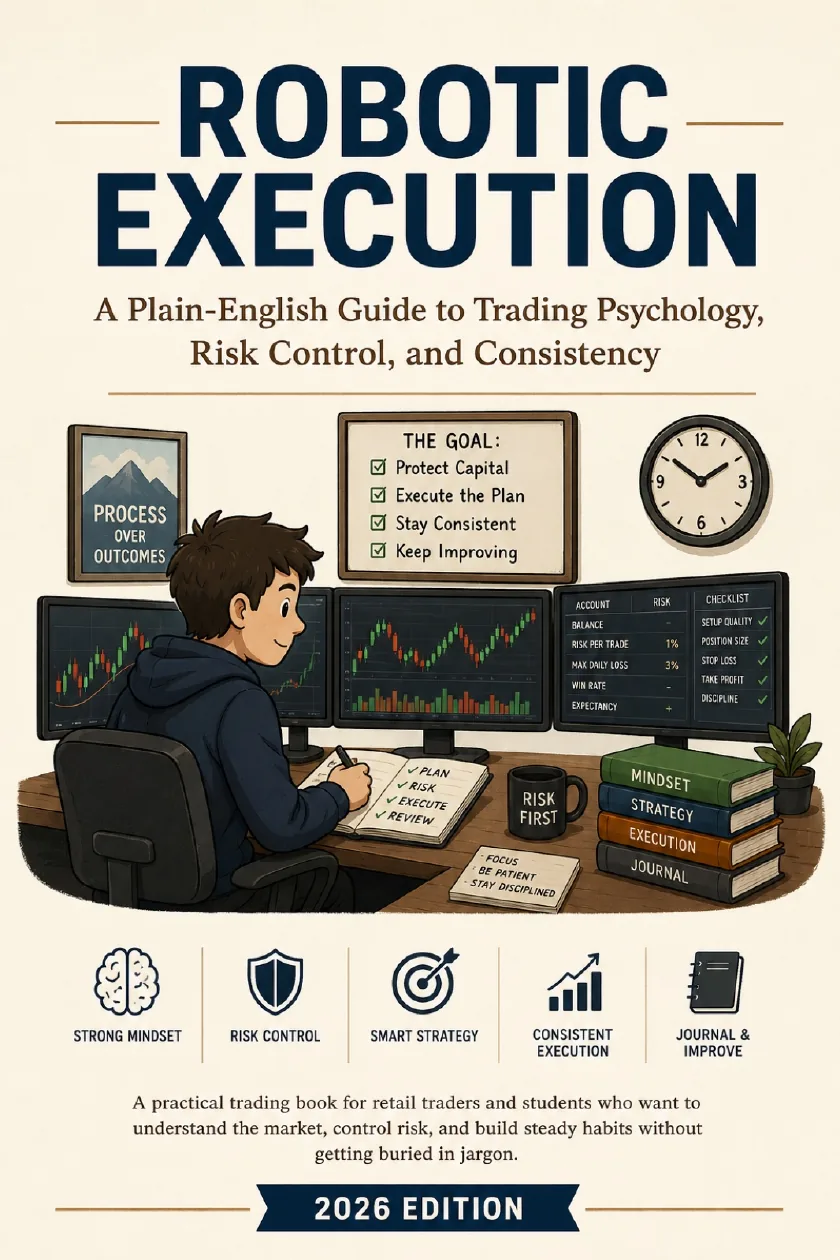
Get Robotic Execution, the free ebook about managing losing trades, following risk limits, and reviewing your decisions. Read the guide here first, then take the book with you.
Get the free trading ebookFree PDF. Email required for delivery; additional marketing emails are optional. Privacy policy.
Prefer the tools? Create a free Market Command account →Suggested Learning Path
Use a Nasdaq heatmap to see which stocks are moving and whether the move is broad or concentrated. Then compare that context with NQ—not with an automatic buy or sell rule.
Looking for NQ bias today? Open the current Market Health dashboard, then use this guide to interpret Nasdaq participation, leadership, and your chart levels.
A written checklist makes your decisions easier to review. Record the setup, entry condition, risk limit, and exit plan, then compare your actual trade with that plan.
Guides
1 / 12
NQ Heatmap IndicatorUse a Nasdaq heatmap to see which stocks are moving and whether the move is broad or concentrated. Then compare that context with NQ—not with an automatic buy or sell rule.
2 / 12
Daily BiasCreate a conditional market view using session context, levels, and invalidation. This is a reusable planning method, not today's live NQ forecast.
3 / 12
Free NQ market contextLooking for NQ bias today? Open the current Market Health dashboard, then use this guide to interpret Nasdaq participation, leadership, and your chart levels.
4 / 12
NQ Command CenterA market-internals dashboard helps you compare index price with the stocks behind it. Look for agreement or disagreement, then check what is happening at key levels.
5 / 12
NQ ToolsChoose tools for distinct tasks: reviewing the market, studying a setup, calculating risk, and reviewing completed trades. One tool does not need to do everything.
6 / 12
Morning RoutineUse a short checklist to review the calendar, overnight price action, and your risk limits. Finish with a plan for what would make you enter or skip a trade.
7 / 12
NQ ScannerA scanner flags conditions worth reviewing. Check the alert's timing, nearby price levels, and your entry rules before treating it as a trade idea.
8 / 12
NQ AnalyzerA useful NQ analysis tool helps you identify direction, important levels, and conflicting evidence. Use those observations to prepare a plan rather than request a prediction.
9 / 12
Analysis ToolBring Nasdaq stock performance, NQ price structure, and session levels into one review. The purpose is to understand conditions before choosing a trade setup.
10 / 12
NQ ChecklistA written checklist makes your decisions easier to review. Record the setup, entry condition, risk limit, and exit plan, then compare your actual trade with that plan.
11 / 12
Market StructureMarket structure describes how price forms highs, lows, and trading ranges. Start with those relationships before adding indicators or trying to name every pattern.
12 / 12
Elev8+ product guideUse Market Health to organize NQ session preparation. Learn how market context and key levels fit into a plan without treating the dashboard as a trade signal.
Next Step
Use Market Health to review the market, and get the free email course to learn how to read price levels and indicator signals.
Review conditions and levels before entering
Lessons on planning and reviewing trades
Learn to read price levels and indicator signals by email.