
Futures Trading Bot: What It Does and What You Still Control →
Understand futures trading bots, indicators, alerts, and automated order execution. Learn what to compare before choosing a strategy or paying for access.
Automation Playbook
Learn what a trading bot does, how to evaluate its rules, and what it takes to run one. Start with the overview, then work through setup and monitoring.
Guides In Hub
9
Step-by-step guides to help you prepare, practice, and review.
Best Use
Account setup and risk checks
Start with the topic you need, then follow the related guides.
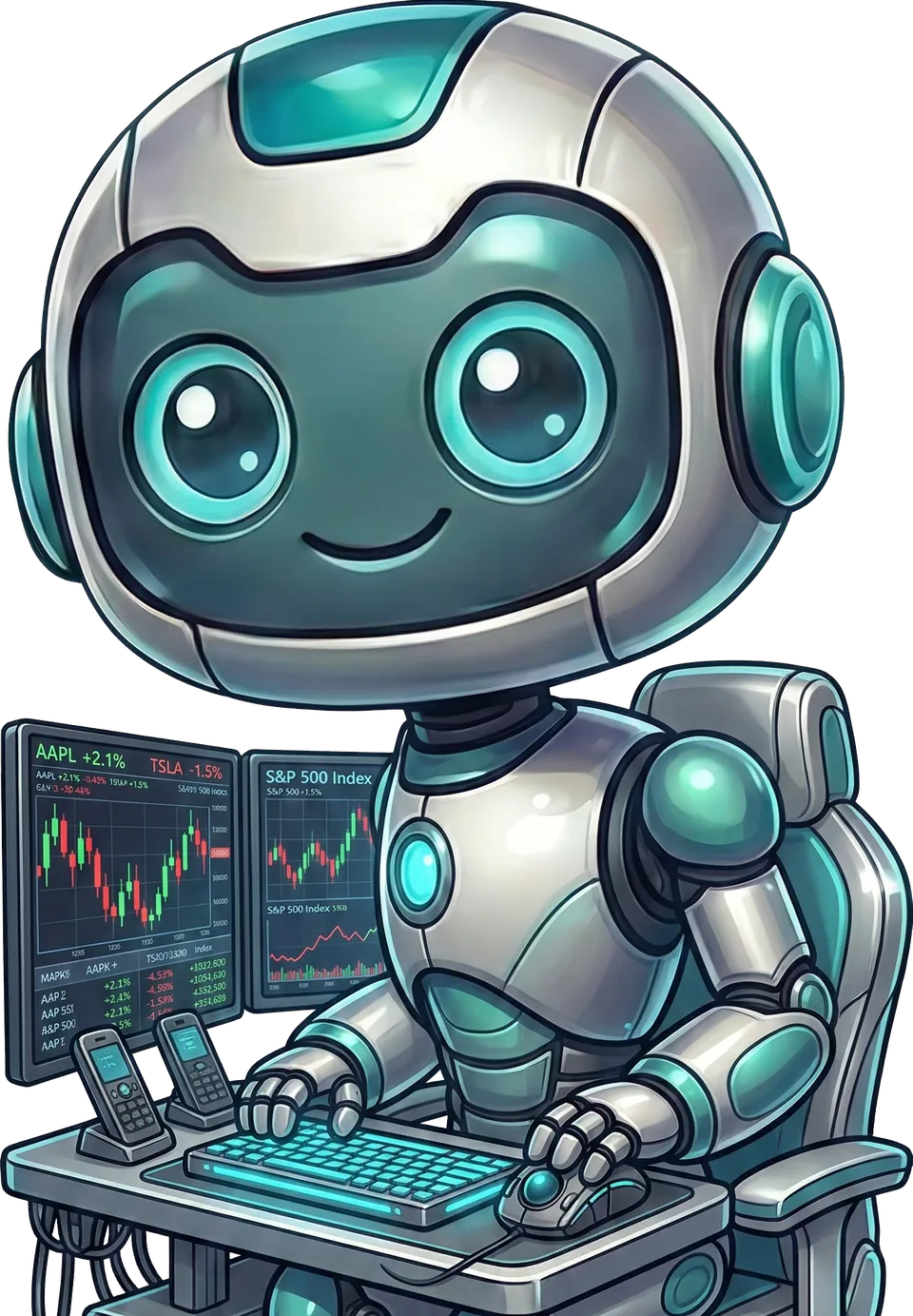
Elev8+ AutoTrader robot illustration beside trading screens.
Start Here
Review how AutoTrader works, then learn about account connections, position sizing, and monitoring.
Free resource · No purchase required
Get AutoTrader Explained: five emails covering AutoTrader and Hybrid, broker connections, an example trade, and how to interpret the backtest. See what the software does and what you still control.
Get AutoTrader ExplainedFree email guide. The software is a separate paid product. Unsubscribe anytime. Privacy policy.
Suggested Learning Path
Understand futures trading bots, indicators, alerts, and automated order execution. Learn what to compare before choosing a strategy or paying for access.
Start with one account and a strategy you understand. Confirm the connection, check its risk settings, and test entries and exits before adding complexity.
A daily trade cap needs a clear definition of an attempt and a session reset. Check how the bot handles rejected orders, restarts, and days without a setup.
Guides
1 / 9
Futures automation guideUnderstand futures trading bots, indicators, alerts, and automated order execution. Learn what to compare before choosing a strategy or paying for access.
2 / 9
Futures automation guideCompare NQ trading bots by strategy, skipped sessions, exits, contract size, and backtest limits. See how AutoTrader and Hybrid approach Nasdaq futures.
3 / 9
Futures automation guideLearn how an MNQ trading bot works, compare micro and E-mini contract risk, and check Tradovate setup, costs, and monitoring before enabling automation.
4 / 9
NQ AI BotThe label AI does not explain how a trading bot makes decisions. Ask what the model actually does, how its results were tested, and which controls limit its orders.
5 / 9
Futures automation guidePrepare automated futures trading with checks for account permissions, demo testing, strategy settings, protective orders, and monitoring after setup.
6 / 9
Bot SetupStart with one account and a strategy you understand. Confirm the connection, check its risk settings, and test entries and exits before adding complexity.
7 / 9
One Trade BotA daily trade cap needs a clear definition of an attempt and a session reset. Check how the bot handles rejected orders, restarts, and days without a setup.
8 / 9
Futures automation guideTrace Nasdaq futures automation from a qualified NQ or MNQ setup to broker orders, fills, exits, and account reporting. Learn where discrepancies arise.
9 / 9
TradingView Bot WorkflowA TradingView alert is a message, not a broker order. Learn the separate steps that turn a signal into an order and why each step needs testing.
Next Step
Review AutoTrader features, connection requirements, and pricing. Market Health is a separate tool for reviewing the market.
Platform setup comparisons
Risk settings and testing checklists
Market Health is a separate analysis tool, not an automatic filter for every bot.